
COMMISSION BOARD
OCTAVIUM · TOULOUSE V2
Hotel GUI
Schedule
Sub-tasks
No sub-tasks.
Notes
Specification (from Trello)
Hotel System
What it is
A hotel rental system. There's a reception UI where you can see the rooms available for rent and rent them. Once you rent a room you get a permanent tool in your inventory named KEY ROOM NUMBER. Once you have this, you can enter the hotel room.
UI location: rooms1, rooms2
[IMAGE: reception UI / room information UI]
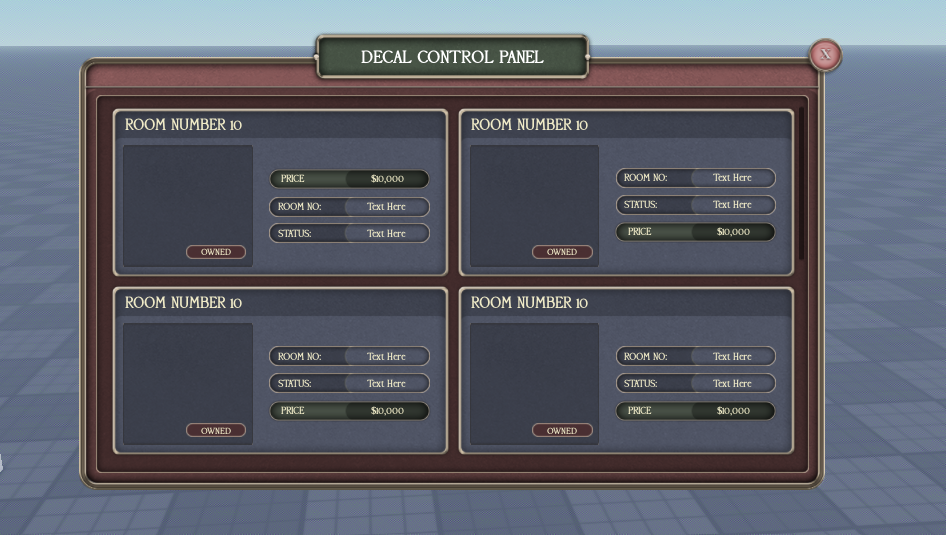
Reception UI
- Shows the rooms that are available for rent.
- You can rent them from here.
- On renting, the player gets a permanent inventory tool named "KEY ROOM [NUMBER]".
- Once you click on a room, you get the room details page up where you can actually buy the room. Add a back button so you cna go from this page back to main UI.
- UI shows picture of each room.
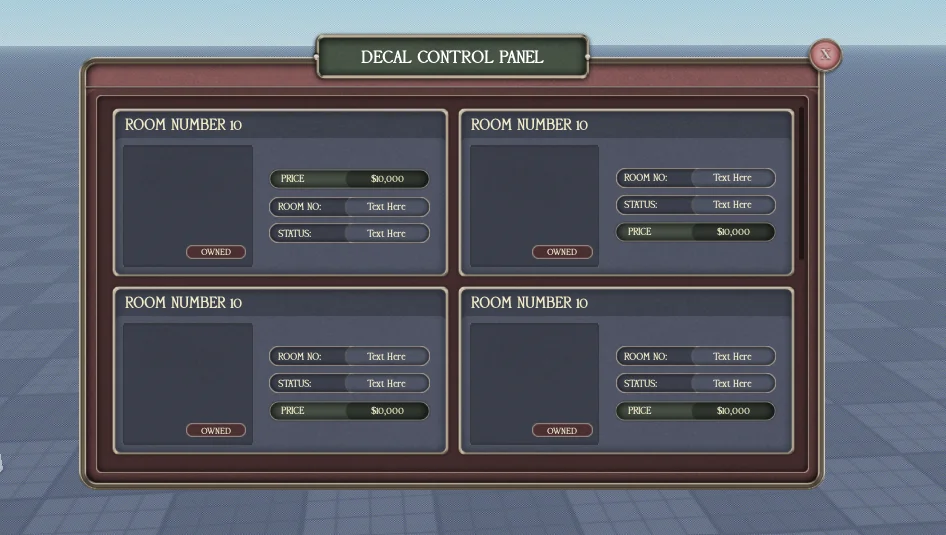
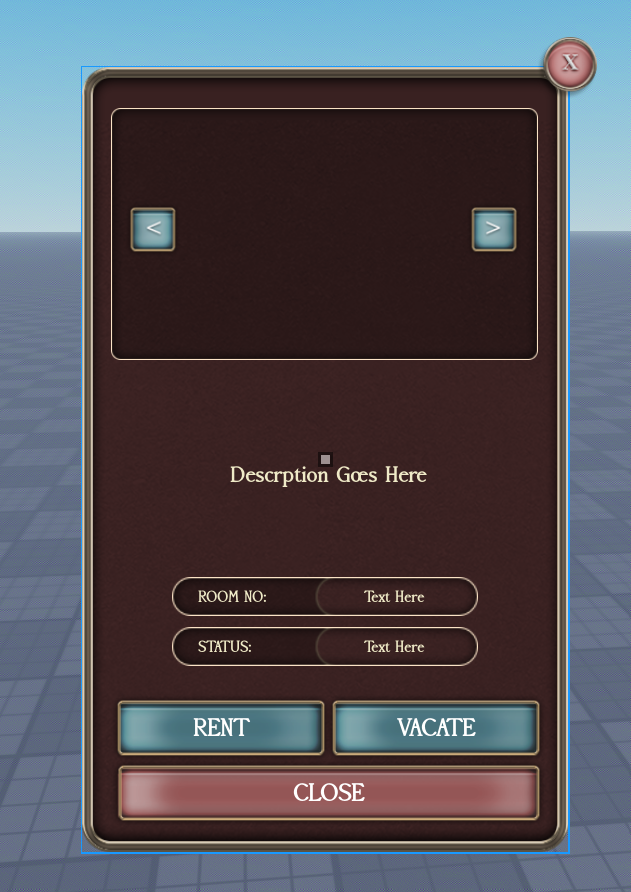
-
The key tool
- Permanent in your inventory.
- Stays in your inventory on respawn for as long as you have the room.
- Lets you enter your hotel room.
Hotel room doors
At each hotel room door there are proximity prompts:
- OPEN and CLOSE.
- LOCK DOOR and UNLOCK (only when the door is closed).
Rules:
- Once a door is closed, the option LOCK DOOR appears.
- If you lock the door, the OPEN button goes away.
- You can't lock the door while it's open, so the LOCK option shouldn't appear then.
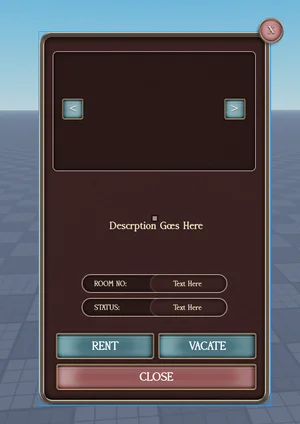
Room Information UI - is essentially the UI you get when clicking a room in reception UI to inspect details.
A GUI saying "Room Information" that shows:
- The current lease owner.
- The duration of the lease until the next payment.
- A VACATE option.
Leasing rules
- Rooms auto-renew while you have them leased, until you lose it. You must get universal notification UI when this happens.
- These rooms are already furnished, so you cannot place furniture in them.
Room signage
- Once a room is rented, the renter's USERNAME shows on a sign outside the room, in addition to the room number.
- Rooms are numbered by floor. So if it's the second floor, the number starts with 2 (e.g. 2xx).
MAKE SURE TO LINK UP ALL THESE THINGS TO UNIVERSAL NOTIFICATION UI.
Pictures
No extra pictures yet.
OCTAVIUM · TOULOUSE V2 · MODERATED UNDER RODEVS & HIDDENDEVS